What Is Website Security?
Website security refers to the measures, technologies, and practices used to protect a website from security risks like cyber threats, unauthorized access, and data breaches. These threats can compromise website data, disrupt availability, enable unauthorized access, or damage a Singaporean business’s reputation. Website security protects the website's files, databases, server, applications, user accounts, and the information exchanged between the website and its visitors.
Practicing website security includes implementing multiple defense layers such as using HTTPS and SSL/TLS encryption, keeping software and plugins updated, applying access controls, using strong authentication, monitoring for malware, and maintaining regular backups. These security measures help protect website data, prevent unauthorized changes, reduce the risk of attacks, and keep the website available to legitimate users.
Why Is Website Security Important for Singapore Businesses?
The 5 main reasons website security is important for Singapore businesses are given below.
- Support PDPA Compliance: Website security helps Singapore businesses protect personal data collected or processed through their websites in line with the Personal Data Protection Act (PDPA). The Personal Data Protection Act (PDPA) is Singapore's data protection law that governs how organisations collect, use, disclose, and protect personal data. Businesses that fail to meet PDPA requirements face enforcement actions, financial penalties, and damage to their reputation.
- Support Cyber Trust Mark Requirements: Website security supports the broader cybersecurity practices assessed under Singapore’s Cyber Trust Mark (CTM). The CTM is a voluntary cybersecurity certification that helps organisations demonstrate their level of cybersecurity preparedness. Achieving CTM certification helps businesses build trust with customers, partners, and larger organisations by showing that their cybersecurity practices have been independently assessed against recognised standards.
- Protect Business Reputation: Website security helps businesses maintain customer trust and confidence in their online presence. Protecting customer information, website content, and online services demonstrates that the business takes security seriously and provides its customers with a safer digital experience.
- Protect Google Search Visibility: Website security helps businesses prevent their websites from being flagged by Google as unsafe due to issues like malware or malicious content. Websites flagged as unsafe are added to the Google blacklist, which reduces their search visibility. A Google blacklist listing results in lost organic search traffic and fewer users reaching the website.
- Reduce Recovery Costs: Website security helps businesses prevent costly disruptions and reduce the resources required to recover from security incidents and breaches. Investing in secure hosting, vulnerability management, backups, access controls, and other preventive measures reduces the need for extensive website restoration, data recovery, technical investigation, and business interruption later.
What Are the Website Security Threats That Businesses Face in Singapore?
9 different types of website security threats that businesses face in Singapore are listed below.
- Man-in-the-Middle (MITM): A man-in-the-middle (MITM) attack occurs when an attacker intercepts communication between a business website and its visitors or between two connected systems. The attacker may monitor, capture, or manipulate information being exchanged, especially when communication is not properly encrypted or authenticated.
- Distributed Denial-of-Service (DDoS): A distributed denial-of-service (DDoS) attack overwhelms a website or server with a large volume of requests or traffic from multiple compromised devices. The excessive traffic consumes server resources and can make the business website slow, unavailable, or inaccessible to legitimate visitors.
- Ransomware: Ransomware is malware that encrypts files or systems and demands payment from the victim to restore access. A website or its hosting environment can be affected when attackers gain access through vulnerable software, compromised credentials, or other entry points.
- Supply Chain Attack: A supply chain attack occurs when hackers compromise a third-party service, software component, plugin, theme, library, or provider that the Singapore business website relies on. The compromised component provides attackers with a pathway into the website or exposes its users to malicious code.
- Phishing: Phishing is a social engineering attack that uses fraudulent emails, messages, websites, or other communications. Phishing tricks people into revealing passwords, financial information, or other sensitive data belonging to the business. Attackers create convincing copies of legitimate login pages or websites to capture the information entered by users.
- SQL Injection: SQL injection occurs when a cyberattacker inserts malicious SQL commands into a website's input fields or other data-handling mechanisms. The attacker may access, modify, or delete information stored in the website's database if the application does not properly validate and handle the input.
- Cross-Site Scripting (XSS): Cross-site scripting (XSS) occurs when an attacker injects malicious scripts into web pages that are then executed in a visitor's browser. A successful XSS attack allows hackers to steal session information, manipulate page content, or perform actions using the affected user's browser session.
- Brute Force: A brute-force attack involves repeatedly attempting different passwords or credentials until the attacker finds a combination that provides access to the business’s website account. Weak passwords, reused credentials, and login pages without adequate protection make websites more vulnerable to these attacks.
- Zero-Day: A zero-day vulnerability is a security flaw in software that is unknown to the vendor or has not yet been patched when attackers discover or exploit it. Websites are exposed when attackers use such vulnerabilities in CMS software, plugins, frameworks, or other components before a security update is available.
How Do I Secure My Website for Operating in Singapore?
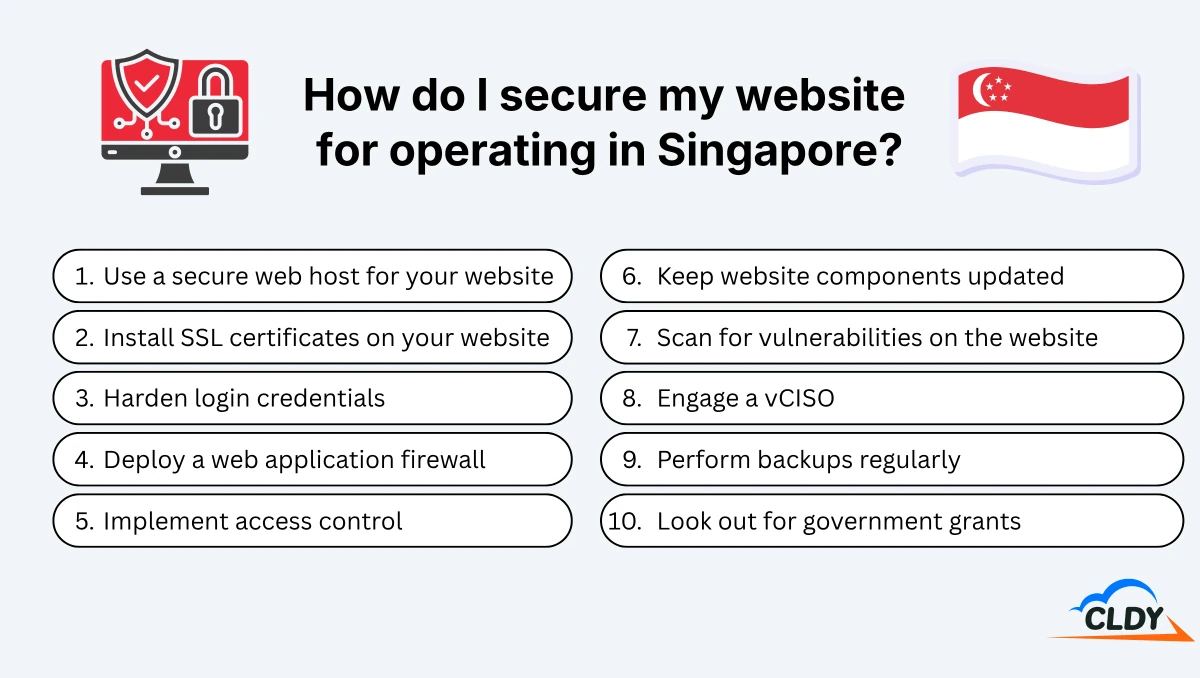
Follow 10 steps to secure your website for operating in Singapore. First, use a secure web hosting environment. Second, install SSL certificates on it. Third, use stronger login credentials. Fourth, deploy a web application firewall. Fifth, implement access control. Sixth, keep website components updated. Seventh, scan for vulnerabilities on the website. Eighth, engage a vCISO. Ninth, perform backups regularly. Finally, look out for government grants to upgrade your website security.
1. Use a Secure Web Host for Your Website
Use a secure web host for your website that provides server-level security, malware protection, regular backups, security monitoring, and reliable infrastructure. A web host stores your website’s files and databases on a server and makes the website accessible to visitors online. A secure hosting environment reduces the risk of vulnerabilities at the server level and provides additional protection for the website, its files, databases, and customer data. Choose a hosting provider that keeps server software and security systems updated, offers security software like malware scanners and firewalls, and provides technical support around the clock.
2. Install SSL Certificates on Your Website
Install an SSL certificate on your website to protect data transferred between a website and its visitors. An SSL certificate is a tool that verifies a website’s identity and enables an encrypted connection between the website and its visitors via HTTPS. HTTPS helps protect information such as login credentials, contact details, and payment data from interception and also assures visitors that their connection to the website is encrypted. Keep the SSL certificate valid and correctly configured to avoid browser security warnings and maintain secure connections.
3. Harden Login Credentials
Harden login credentials by using long, unique passwords for website administrator, hosting, CMS, database, and email accounts. A password manager helps generate and securely store unique passwords without requiring users to remember each one. Passwords should not be rotated on a fixed schedule without reason. Change website passwords when they are compromised, suspected to be exposed, or when access is transferred to another user.
4. Deploy a Web Application Firewall (WAF)
Deploy a web application firewall (WAF) to inspect and filter incoming web traffic before it reaches your website or web application. A WAF blocks malicious requests associated with threats such as SQL injection, cross-site scripting (XSS), and other common web attacks. A WAF allows legitimate visitors to access the website. Configure and monitor the WAF rules regularly to keep protection aligned with the website's applications and traffic patterns.
5. Implement Access Control
Implement access control by limiting website, hosting, CMS, and administrative access to authorized users only. Multi-factor authentication (MFA) adds an additional verification step beyond the password. Single sign-on (SSO) allows users to access approved systems through a central authentication service. Assign users only the permissions they need for their roles and remove access when it is no longer required.
6. Keep Website Components Updated
Keep website components updated by regularly installing security and software updates for all the CMS, plugins, and themes used on your website. Updates often address security vulnerabilities, compatibility issues, and software bugs that attackers exploit. Regularly prune unused plugins, themes, and other components because unnecessary software adds potential vulnerabilities and increases the website's maintenance requirements.
7. Scan for Vulnerabilities on the Website
Scan for vulnerabilities on the website such as outdated components, misconfigurations, malware, and other weaknesses that attackers could exploit. Vulnerability scanning identifies security issues before they are used in an attack and provides a basis for prioritizing remediation. Run vulnerability scans regularly, with the frequency based on the website’s risk level, complexity, and rate of change. Higher-risk and eCommerce websites generally require more frequent (daily or ongoing) monitoring and scanning.
8. Engage a vCISO
Engage a virtual Chief Information Security Officer (vCISO) to provide ongoing cybersecurity leadership without hiring a full-time CISO. A vCISO can help assess security risks, develop security policies, establish incident response procedures, oversee compliance requirements, and guide the business's overall cybersecurity strategy.
9. Perform Backups Regularly
Perform regular automated backups of your website files, databases, and other critical data so the website can be restored after a security incident, data loss, or technical failure. Store backups separately from the primary website environment and periodically test them to confirm that the data can be successfully recovered when needed.
10. Look Out for Government Grants to Upgrade Your Website Security
Look out for Singapore government grants, tax incentives, and support schemes that reduce the cost of improving website and cybersecurity capabilities. 4 government support options relevant to cybersecurity are listed below.
- Productivity Solutions Grant (PSG): PSG supports eligible businesses in Singapore adopting pre-approved IT solutions, including certain cybersecurity tools such as endpoint protection, network security, and data protection. PSG helps businesses reduce the upfront cost of implementing website security technologies. Eligible SMEs can receive up to 50% of eligible costs, capped at S$30,000, for supported solutions.
- CISO-as-a-Service: CISO-as-a-Service provides eligible Singaporean businesses with access to cybersecurity leadership and expertise without the cost of hiring a full-time chief information security officer (CISO). Eligible SMEs can receive up to 70% funding support for qualifying cybersecurity consultancy services.
- Enterprise Innovation Scheme (EIS): The Singapore EIS provides businesses with enhanced tax deductions for qualifying research and development, innovation, and other eligible business activities. Businesses can receive a 400% tax deduction on up to S$400,000 of qualifying expenditure per year for each qualifying activity, subject to the applicable conditions.
- SkillsFuture Credit: SkillsFuture Credit helps eligible Singaporean citizens pay for approved courses, allowing businesses and individuals to develop cybersecurity skills. Each eligible citizen receives an initial S$500 credit to develop skills like threat detection, incident response, network security, and data protection.
Check the current eligibility requirements, qualifying expenses, funding levels, and application deadlines for each scheme before applying, as government support and programme conditions may change.