

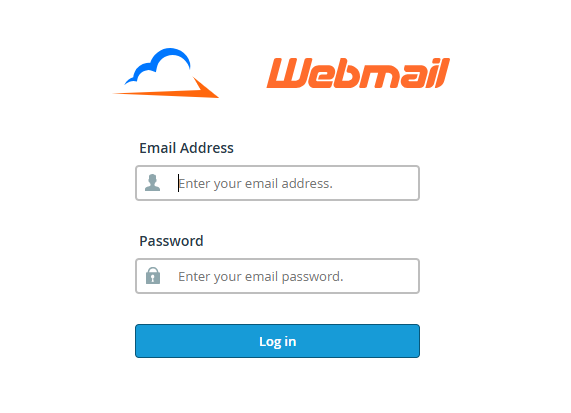
1. Log in to Webmail: Access your Webmail account (https://mail.domain-name.com/webmail) using your email address and password.
2. Access 2FA Settings: On the “Webmail Home” screen (before opening Roundcube/Horde), find the “Edit Your Settings” section.

3. Setup 2FA: Click on “Two Factor Authentication” and select “Set Up Two-Factor Authentication”.

4. If 2FA is not yet setup for your account, you will see this prompt on the succeeding page:

5. If this is the case, click on Set Up Two-Factor Authentication.
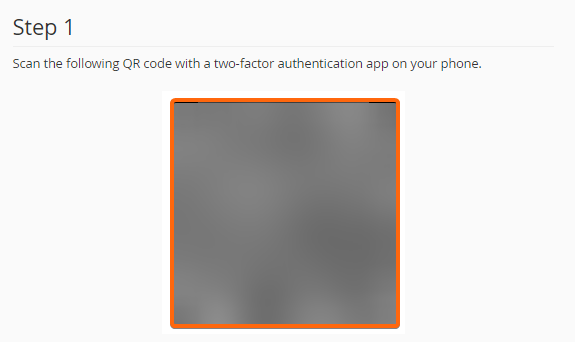
6. You must scan the QR code using your mobile phone. It will then redirect you to your password manager for the next step.
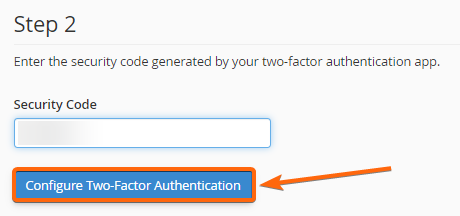
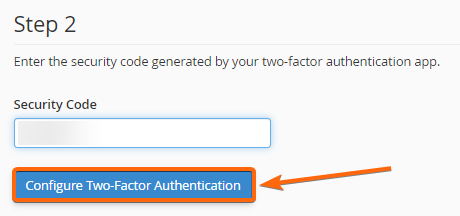
7. Click on your QR link, and you will be given a unique code to type in on the box below. Once you have entered the code, click on Configure Two-Factor Authentication.
8. A successful prompt will show confirming that 2FA has been successfully set up.